Google Vids + Gemini: A Small-Business Guide to Creating AI Marketing Videos in 2026
On September 23, 2026, Google made Gemini Omni 1.1 Flash video generation free in Google Vids for anyone with a Google account, with 1080p output. Here's what a small business can actually create with it, what still requires human work, and the licensing and availability details worth verifying before you rely on it.
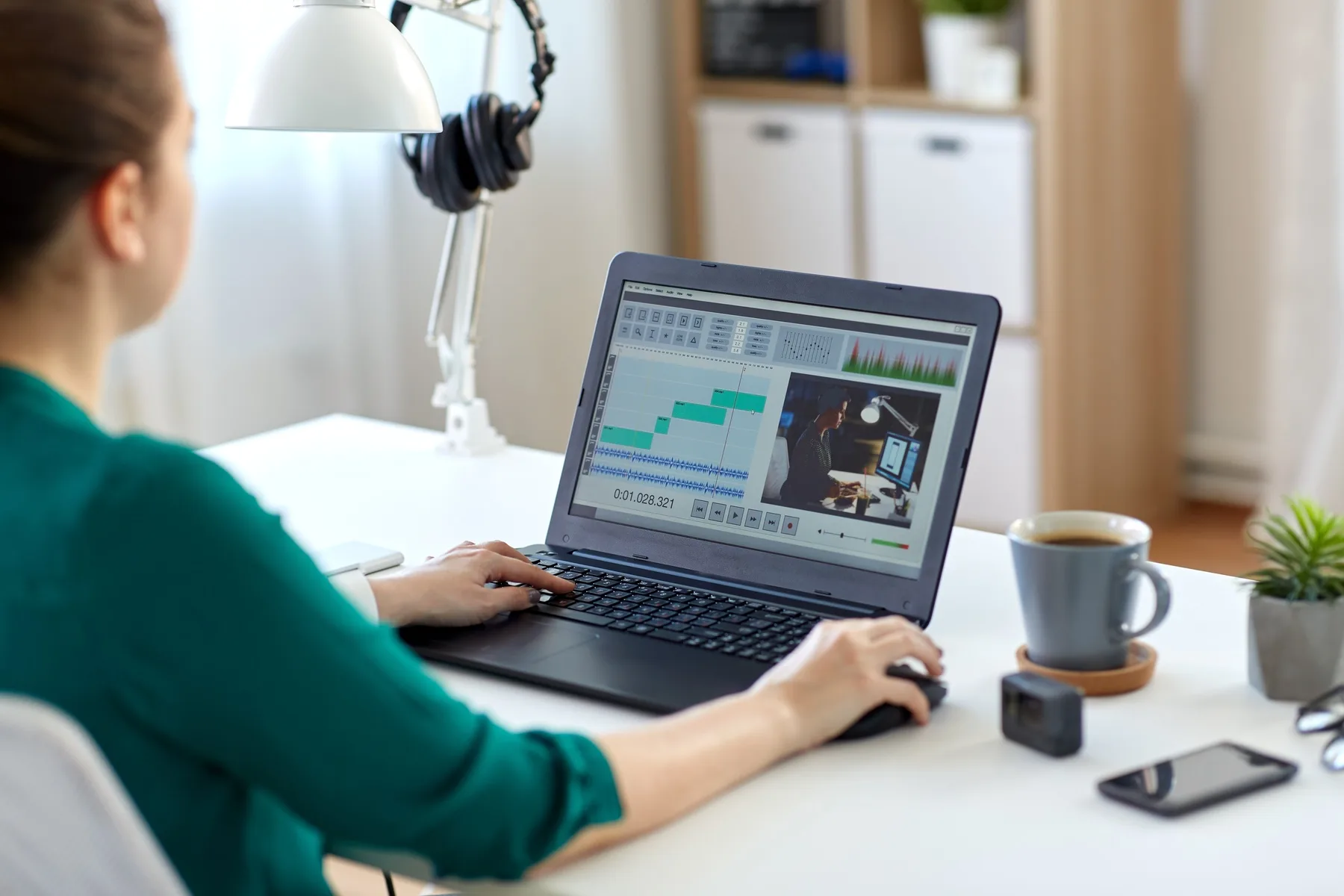
A marketer editing a video timeline on a laptop at a home office desk — Licensed via Adobe Stock
On September 23, 2026, Google made Gemini Omni 1.1 Flash video generation free inside Google Vids for anyone with a personal Google account, not just Google Workspace subscribers, with support for 1080p output. In practice, that means a small business can now generate short video clips from a text prompt or a product photo, extend a scene while keeping it visually consistent, and assemble the result into a finished marketing video — without a camera crew or editing software. What it does not do is replace the human work: writing an accurate script, checking that AI-generated visuals and captions are actually true, and reviewing the result before it goes anywhere near an ad or a landing page. A few specifics — the exact free-tier monthly limit, full regional availability, and complete commercial-use terms — could not be independently confirmed from primary Google documentation as of this writing; where that's the case below, we say so and point you to verify directly in your own account.
- Google Vids' AI video generation (powered by the Gemini Omni 1.1 Flash model) became free for personal Google accounts, not just Workspace subscribers, as of September 23, 2026, with 1080p output.
- Individual AI-generated clips are short (around 10 seconds); a 'scene extension' feature can lengthen a shot while keeping lighting, characters, and environment consistent, and finished Vids projects can run much longer once you assemble multiple clips.
- Every AI-generated clip carries an invisible SynthID watermark embedded in the video data — not a visible on-screen mark. This is a different product and a different watermarking approach from Google's separate 'Flow' video tool, which does show a visible watermark; don't confuse the two.
- Reported free-tier monthly generation limits for personal accounts vary across sources (roughly single digits to around 10 per month) — check your own account rather than relying on a specific number here.
- Nothing here replaces real customer evidence: don't use AI generation to fabricate testimonials, misleading demonstrations, or before-and-after claims your business can't actually back up.
What Google Vids Is and How Gemini Contributes
Google Vids is Google's video-creation app, built into the Workspace family of tools alongside Docs, Sheets, and Slides — it existed before this update as a template-based editor for things like project recaps and internal presentations. What changed on September 23, 2026 is the AI layer: Gemini Omni 1.1 Flash, a video-generation model, is now built into Vids to generate new video clips directly from a text description or a photo you provide, rather than requiring you to film anything yourself. It's worth being precise about the name, because Google has several different AI video products: Gemini Omni in Google Vids (what this article covers) is a distinct product from 'Google Flow,' a separate, more cinematic AI video tool with its own visible watermark, and distinct again from general video features inside the Gemini app itself. It's also a fundamentally different kind of product from Gemini Live Avatar (see our dedicated article) — Vids generates finished, pre-recorded video clips you download and post; Live Avatar is a real-time, two-way conversational interface a customer talks to live. One creates content, the other holds a conversation. If you've read about AI video from Google elsewhere, confirm which specific product that coverage was actually describing.
What's Actually Available to Small Businesses Right Now
As announced, anyone with a personal Google account can generate AI video clips in Vids at no cost, including 1080p resolution — you do not need a paid Workspace subscription to try it. Reporting on the exact free-tier monthly generation cap for personal accounts is inconsistent across sources (some cite a number in the single digits, others around ten per month), so treat any specific figure you read, including ours, as approximate until you check the limit shown in your own account. Workspace Business and Enterprise plans reportedly unlock meaningfully higher generation capacity and centralized admin controls for teams — useful to know if your business already runs on Workspace, but not something we can independently confirm the exact tier limits for. Access to personal AI avatars specifically is reported as restricted to users 18 or older with English set as their primary language preference; for prompting the model itself, English is the fully supported language, and results in other languages may be less predictable. We could not independently confirm Google Vids' AI generation region-by-region availability from primary documentation this round — if you're outside the US, check directly inside your own Vids account before planning a campaign around it.
What You Can Realistically Create Today
Given short native clip lengths and Google's own described use cases, the realistic sweet spot is short, focused marketing video — not a long-form brand film. Google's own announcement points to practical, low-effort scenarios: a side-hustle seller using a ready-made template to launch a product without manual editing, a local business turning ordinary product photos into a short promotional clip, or a community organizer producing a simple announcement video. Scene extension helps stretch a single generated shot into something closer to a usable clip length while keeping visual details consistent, which matters more for a 15-30 second social or ad clip than for anything feature-length.
How to Plan a Video Around a Specific Business Objective
Start with the outcome, not the tool: are you trying to get a specific service booked, a specific product page visited, or a specific promotion noticed before it ends? A vague 'let's make a video about our business' brief produces a vague result even with a capable AI tool behind it. Pick one objective, one audience, and one place the video will actually live (a landing page, a Google or Meta ad, a social post) before you open Vids.
Preparing Scripts, Product Details, Brand Assets, and a Creative Brief
AI generation works from what you give it. Before generating anything, write down: the exact claim or offer you're making (and confirm it's accurate — see the review section below), the specific product or service details that must appear correctly, any brand colors, logo, or existing photography you want incorporated, and a short script or outline rather than a single vague prompt. A tighter brief produces a result that needs less rework, and it gives you something concrete to check the output against afterward.
How to Create and Edit an Initial Video Draft
Inside Google Vids, you generate clips from a text prompt or an uploaded photo, use scene extension where a shot needs to run longer while staying visually consistent, and then assemble the resulting clips on Vids' existing timeline editor alongside any text, captions, or your own real footage. Treat the first AI-generated cut as a draft, not a finished asset — the whole point of the next step is reviewing it before it goes anywhere public.
How to Review AI-Generated Visuals, Narration, Captions, and Factual Claims
- Watch the full clip, not just the first few seconds — AI-generated video can drift visually partway through a scene.
- Check every on-screen or narrated claim against what your business can actually deliver — price, availability, features, timelines.
- Read auto-generated captions fully; don't assume they're accurate without checking.
- Confirm any product, location, or brand detail shown actually matches reality — an AI-generated storefront, menu item, or product shot can look plausible and still be wrong.
- Have a second person (not just the person who wrote the prompt) review the final cut before publishing.
How to Adapt the Finished Video to Relevant Marketing Channels
A single finished cut rarely fits every channel as-is. Export at the aspect ratio and length each destination actually needs — a vertical, sub-15-second version for social and Stories, a slightly longer version for a landing page or YouTube, and consider whether captions should be burned in for sound-off viewing, which is the default on most social platforms. Vids supports direct export to YouTube (private by default until you choose to publish it), alongside standard file export for use elsewhere.
How to Connect Video to Landing Pages, Advertising, and Lead Generation
Google Vids does not provide native CRM integration, lead tracking, or automated publishing to your website or ad accounts — we found no independently confirmed evidence of that capability, and this article does not claim it exists. The practical workflow looks like this: business goal, then script and assets, then a Google Vids/Gemini draft, then human review, then brand and compliance checks, then manually placing the finished video on your actual website or advertising channel (a landing page, a Google Ads or Meta Ads campaign, a social post), then measuring what happens using your existing analytics and conversion tracking, then following up on any resulting lead through your CRM. Every step after 'human review' requires tools and effort outside Vids itself.
How to Measure Results That Actually Matter
Watch time and views tell you whether the video is being noticed, not whether it's doing anything for the business. Tie the video back to a specific, trackable action — a landing-page visit, a form submission, a booking, a call — using the same conversion tracking and CRM follow-up practices that matter for any other marketing asset. A video that gets attention but that you can't connect to a real inquiry hasn't been measured yet; it's just been watched.
Practical Examples by Industry
- Real estate: a short walkthrough-style clip built from real, authorized listing photos to introduce a specific property — not a fabricated interior that doesn't match the actual home.
- Restaurants: a seasonal-menu or promotion clip generated from real photos of the actual dish or offer, reviewed against the real menu and pricing before publishing.
- Home services: a short explainer clip describing one specific service (e.g., a seasonal furnace check) paired with a clear appointment-booking call to action.
- Ecommerce: a product-demonstration clip generated from real product photos that accurately shows what the item actually looks like and does — not an exaggerated or invented capability.
- Professional services: a short, plain-language explainer introducing what a consultation actually covers, reviewed for accuracy before publishing.
- Clinics and wellness businesses: a service-information clip describing what a service involves in general terms, avoiding any specific medical outcome or results claim that isn't independently supportable.
Producing AI Video Responsibly
AI-generated video makes it easy to create something that looks convincing and isn't true. That's a real risk for a small business's credibility, not just an abstract policy concern.
Practical AI Marketing Video Checklist
Is Google Vids the same thing as Google Flow?
No. They're separate Google AI video products. This article covers Gemini Omni video generation inside Google Vids, Google's video-editing app. Google Flow is a different, more cinematic AI video tool with its own visible watermark — don't assume coverage of one applies to the other.
Do I need a paid Google Workspace subscription to use this?
No. As announced on September 23, 2026, AI video generation in Google Vids, including 1080p output, is free for anyone with a personal Google account. Workspace Business and Enterprise plans reportedly add higher generation capacity and admin controls, but a personal account is enough to try it.
Are Google Vids' AI-generated videos watermarked?
Yes, but invisibly. Clips generated with Gemini Omni in Vids carry an embedded SynthID digital watermark that isn't visible to viewers, rather than an on-screen mark. This is different from Google Flow, which does show a visible watermark on its output.
Can Google Vids automatically publish my video or track leads from it?
No, not based on anything we could independently confirm. Vids supports direct export to platforms like YouTube, but connecting a finished video to your website, ad accounts, and CRM for lead tracking is a manual, multi-step process using your existing tools, not a native Vids capability.
Is every claim in this article guaranteed accurate for my account?
Treat the free-tier generation limit, exact regional availability, and full commercial-use terms as points to verify directly in your own Google account and in Google's current terms of service — independent reporting on these specific details varied, and we were not able to fetch Google's primary documentation directly for this update.
Where NextFlow Fits
An AI-generated video clip is only useful once it's connected to the rest of a real marketing system — a website or landing page it actually points to, a Google Ads or Meta Ads campaign it actually runs in, and a CRM that actually follows up on whoever it brings in. That's the connection point between Vids/Gemini and NextFlow's own services: Website & Landing Page Development to give a video somewhere real to send traffic, Lead Generation to run it as part of an actual campaign, AI Solutions to help apply tools like this one practically rather than experimentally, and CRM & Automation so a lead generated from a video doesn't sit unanswered. If you're experimenting with AI video and aren't sure it's actually producing real inquiries, that's exactly what a Growth Assessment is for.
Sources & References
- Gemini Omni Flash now available in Google Vids — Google Workspace Blog, 2026-09
- Anyone can make stunning HD videos with Gemini Omni in Google Vids — Google Blog, 2026-09-23
- Learn about availability of Gemini features in Google Vids — Google Docs Editors Help, 2026
- Google Vids Adds Free AI Video: Features and Limits — TechRepublic, 2026-09
- Google Brings Free Gemini Omni 1.1 Video Generation to Google Vids — Unite.AI, 2026-09
- Google's Omni video generator is now free to try in Vids — Android Authority, 2026-09
Get Your Free Growth Assessment
See how AI-assisted video fits into a real marketing system — not just a one-off clip.