Google Business Profile Holiday Hours: A 2026 Guide for Local Businesses
Before a holiday, local businesses should update or confirm Special Hours in Google Business Profile and make sure those hours match the business website, booking system, and customer communication channels. Here's exactly how Special Hours work, where they differ from Temporarily Closed, how multi-location businesses manage this at scale, and a practical Canadian holiday checklist.
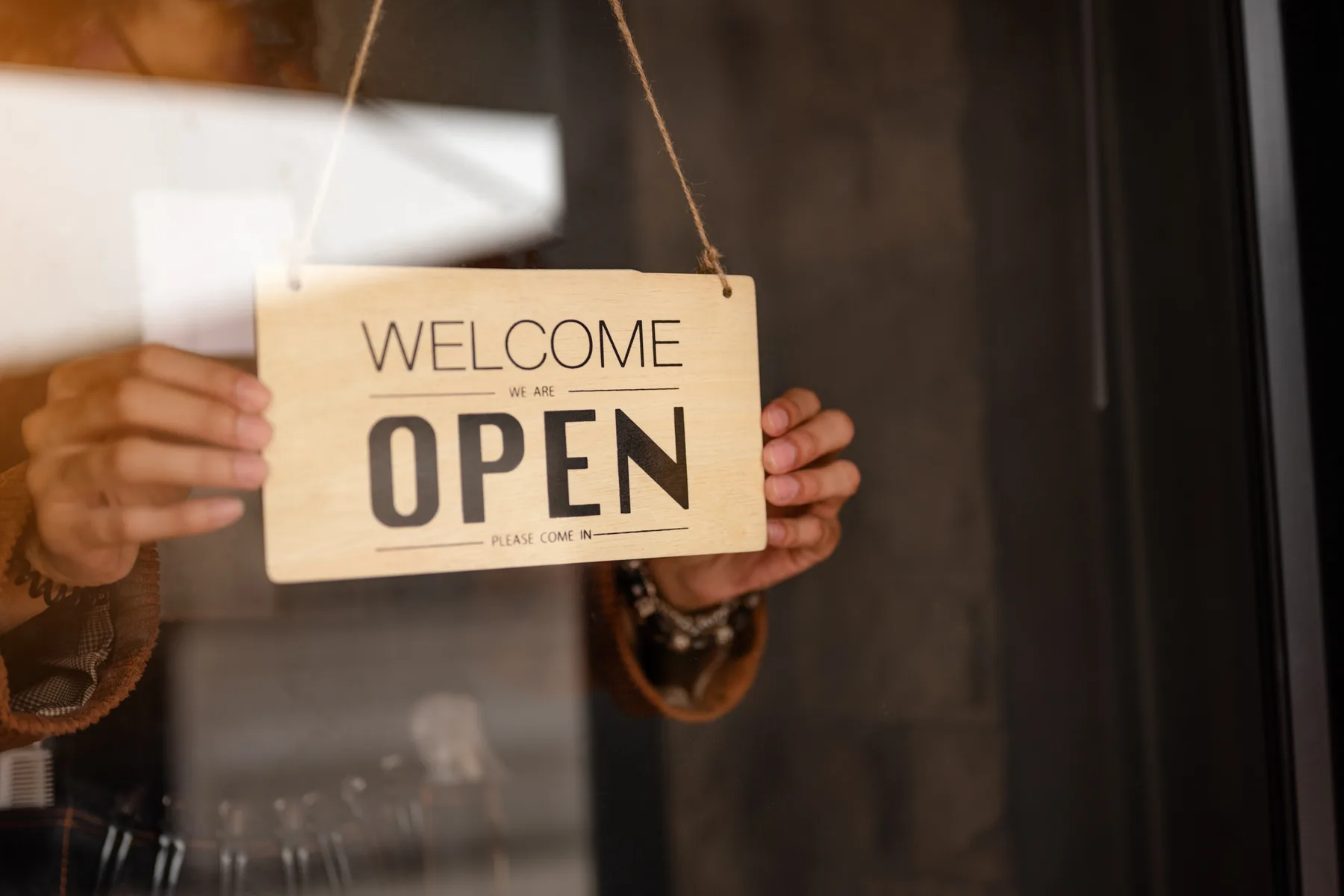
A small shop owner adjusting a storefront hours sign in the window of a local business — Licensed via Adobe Stock
Before a holiday, local businesses should update or confirm Special Hours in Google Business Profile and make sure those hours match the business website, booking system, and customer communication channels. This matters even on holidays where your hours don't actually change — confirming the date is what stops Google from showing an 'Hours might differ' note next to your listing. This isn't a ranking trick; it's basic accuracy work that keeps a real customer from showing up to a locked door.
- Special Hours are date-specific overrides for a single day or short stretch — they don't replace your regular weekly hours, and Google often suggests upcoming holiday dates for you to review and confirm.
- Confirm a holiday date even when your hours don't change. Per Google's own guidance, doing so prevents an 'Hours might differ' notice from appearing next to your listing.
- Special Hours and Temporarily Closed are different tools with different durations — and third-party sources genuinely disagree on the exact boundary at seven days. This article states that discrepancy rather than guessing which is right.
- Multi-location businesses can bulk-mark locations as temporarily or permanently closed through Business Profile Manager's Actions menu, and can bulk-upload regular hours — but 'more hours' (secondary hour types) reportedly cannot be added through bulk upload.
- This article does not claim that accurate special hours directly improves rankings. Google's own pages, per every source reviewed, describe a ranking effect only for the separate temporarily-closed status on broad queries — not for keeping holiday hours current.
- Statutory holiday treatment varies by Canadian province — Boxing Day is clearly statutory in Ontario but not most other provinces; Remembrance Day is statutory in several provinces but explicitly not in Ontario, with real disagreement across sources for Manitoba, Quebec, and Nova Scotia. Verify your own province directly.
What Google Business Profile Special Hours Are
Special Hours is the Google Business Profile feature for date-specific changes to your posted hours — a single holiday, a one-off early closure, a split schedule on a specific day. It sits below your regular weekly hours in the profile editor, and for major, widely-recognized holidays (Christmas, New Year's Day, Thanksgiving), Google often proactively suggests the dates so you can review and confirm them rather than having to find and add every one manually.
Special Hours vs. Temporarily Closed vs. More Hours
Three different hours tools — not interchangeable
| Tool | What it's for |
|---|---|
| Special Hours | A specific date (or short run of dates) where hours differ from your regular schedule — including a date where hours stay the same but you want to confirm it. |
| Temporarily Closed | A longer closure. Per Google's own guidance (as quoted across the independent sources reviewed for this article), this status is meant for closures of more than 7 days, or indefinite closures — not a short holiday gap. |
| More Hours | A separate hours category for things like delivery hours, pickup hours, or kitchen hours, distinct from your core opening hours. Independent reporting indicates this category cannot be set through bulk upload, unlike regular hours. |
There's a genuine gap in the public guidance worth naming directly rather than smoothing over: independent sources reviewed for this article quote Google's own instructions as saying Special Hours cover closures of under 6 days, while a separate closure-focused guide says Temporarily Closed is for closures of more than 7 days — which leaves a 7-day closure in an ambiguous middle. This article isn't resolving that ambiguity with a guess; if your closure runs close to a week, confirm directly with Google's current help documentation or support before deciding which status to use.
How to Update Holiday Hours
- Open your Business Profile editor (through Google Search, Maps, or Business Profile Manager) and find the Special Hours section below your regular hours.
- Review any holiday dates Google has already suggested — these commonly include major holidays like Christmas, New Year's Day, and Thanksgiving.
- For a date where your hours genuinely change, set the new open/close time for that specific date.
- For a split schedule on one day (open morning, closed afternoon, open again evening), use the 'Add hours' option to enter multiple time blocks for that date.
- For a date where your hours stay the same, confirm it anyway — this is what prevents the 'Hours might differ' notice from appearing.
- For a closure longer than about a week, evaluate whether Temporarily Closed (not Special Hours) is the more appropriate status, and verify current guidance before choosing.
Website vs. Google Hours — Keep Them Consistent
A customer who sees one set of hours on Google and a different set on your actual website has found a real inconsistency, not a technical glitch — and it's the kind of mismatch that erodes trust exactly when a holiday rush makes a wrong trip most frustrating. Treat your website's displayed hours, your booking system's available time slots, and your Google Business Profile's special hours as three things that all need updating together, not one source that automatically updates the others.
Multi-Location Businesses
Business Profile Manager supports bulk actions for closures: select multiple locations from your list, then use the Actions menu to mark the selected group as temporarily or permanently closed in one step, rather than editing each location individually. Regular hours can reportedly be bulk-uploaded across locations too. The one documented gap: 'More Hours' (delivery, pickup, kitchen hours, etc.) reportedly cannot be set through bulk upload or third-party bulk tools — those still need per-location manual entry, per the sources reviewed.
Holiday Hours and Local SEO
This article is not claiming that keeping your special hours accurate directly boosts your ranking — no source reviewed supports that claim, and Google's own pages don't make it either. What Google's own guidance does describe is a ranking effect tied specifically to the Temporarily Closed status on broad, category-level searches: a business marked temporarily closed can rank after businesses that are currently open, with the exact effect depending on business category, query type, and how many similar businesses in the area are also marked closed. That's a reason to use Temporarily Closed deliberately and accurately — not a reason to avoid it when it's genuinely the correct status, and not evidence that Special Hours themselves move rankings.
Holiday Hours and AI Search
The practical shift worth planning around: a customer asking 'is this restaurant open tonight' or 'which clinic near me is open today' is increasingly asking that question to more than a traditional Google search box — AI-assisted search experiences, AI assistants, and voice assistants are all plausible places that question gets asked. This article is not claiming that any one specific AI platform reads your Google Business Profile directly — that's an unverified, platform-specific technical claim this article won't make. What's defensible is the general pattern: business data flows from your actual systems into local listings and your website, and both search and AI-discovery surfaces draw on whatever's publicly accessible and accurate there. Accurate hours in your Business Profile and on your own site are the input every downstream surface depends on, regardless of which specific AI system a given customer happens to be using.
Booking, CRM, and Automated Messaging
Special hours affect more than whether someone finds your door open — a booking system that still offers appointment slots during a confirmed holiday closure, or an automated text/email sequence that doesn't mention adjusted hours during a peak period, creates the same kind of mismatch as inconsistent website hours. If your business uses automated booking or follow-up messaging, holiday-hours updates should trigger a check of those systems too, not just your Google listing.
Canadian Holiday Checklist
Statutory holiday treatment is genuinely not uniform across Canada, and this article isn't going to imply otherwise. Boxing Day (December 26) is clearly a statutory public holiday in Ontario, but is not a statutory holiday in most other provinces per the sources reviewed. Remembrance Day (November 11) is a statutory holiday in several provinces (British Columbia, Alberta, Saskatchewan, New Brunswick, Prince Edward Island, Newfoundland and Labrador, and the territories, per the comparison sources reviewed) but is explicitly not an official public holiday under Ontario's employment standards — and sources genuinely disagree on Manitoba, Quebec, and Nova Scotia. Verify your own province's current employment-standards guidance directly rather than relying on any single table, including this one, before making staffing or closure decisions.
- Thanksgiving (Canadian, October): confirm hours even if your business stays open as usual — the date still benefits from confirmation.
- Halloween (October 31): relevant mainly for retail and hospitality businesses with evening foot traffic — adjust hours only if they genuinely change.
- Remembrance Day (November 11): statutory status varies by province — check your own province's current rules before assuming closure is required or not required.
- Black Friday / Cyber Monday (late November): extended hours are common for retail — set them as Special Hours, not a permanent schedule change, if they're temporary.
- Christmas (December 25) and Boxing Day (December 26): confirm both dates separately — Boxing Day's statutory status is province-dependent, and both are commonly suggested dates in Google's own interface.
- New Year's Eve / New Year's Day: confirm both December 31 and January 1 separately, since hours often differ between the two.
Practical Examples
- Restaurant: confirm Thanksgiving hours and whether reservations are available that day — a diner checking availability the morning of the holiday needs accurate, current information, not last year's hours.
- Clinic: set reduced holiday hours clearly, and make sure the phone/booking number listed matches what's actually staffed that day.
- Retailer: set Black Friday extended hours as Special Hours for that specific date, not as a change to your regular weekly schedule.
- Home-service company: distinguish office hours (when someone answers routine calls) from emergency availability (if you offer it) — conflating the two in your listing creates real confusion during a holiday when both matter.
- Professional service: if your office closes for a holiday but online lead intake (a contact form, a booking page) stays active, make that distinction clear rather than implying the business is fully unreachable.
24-Hour Pre-Holiday Checklist
- Google Business Profile special hours confirmed for the specific date, including any split-schedule entries.
- Website hours banner or footer matches exactly.
- Booking/scheduling system blocks or adjusts availability to match.
- Any phone greeting or voicemail message reflects the holiday schedule if it references hours.
- Staff briefed on the confirmed schedule, so in-person answers match what's posted online.
Do I need to update Special Hours if my business stays open as usual on a holiday?
Yes, confirming the date is still worth doing. Per Google's own guidance, confirming an unchanged date prevents an 'Hours might differ' note from appearing next to your listing — it's not just for days when hours actually change.
Will updating my holiday hours improve my Google ranking?
This article makes no such claim, and neither does Google's own documentation per the sources reviewed. The only ranking effect Google describes relates to the separate Temporarily Closed status on broad category searches — not to keeping Special Hours current.
Should I use Special Hours or Temporarily Closed for a week-long holiday closure?
It depends on the exact length, and the public guidance has a genuine gap right around seven days — sources reviewed for this article cite Google's own instructions as roughly 'under 6 days for Special Hours' and 'more than 7 days for Temporarily Closed,' which doesn't cleanly cover a 7-day closure. Confirm directly with Google's current help documentation if your closure falls in that range.
Is Boxing Day a statutory holiday across all of Canada?
No. It's clearly a statutory public holiday in Ontario, but not in most other provinces per the sources reviewed for this article. Don't assume it applies to your staffing obligations without checking your own province's current employment-standards rules.
Does ChatGPT or another AI assistant read my Google Business Profile directly?
This article doesn't make that specific technical claim, because it isn't independently verified for any one platform. What's defensible is the general pattern: AI-assisted search and assistant experiences increasingly draw on publicly accessible, accurate local-business data — keeping your Business Profile and website accurate is the useful action regardless of which specific AI surface a customer happens to use.
Where NextFlow Fits
Keeping hours consistent across Google, your website, your booking system, and your automated messaging is exactly the kind of fundamental that's easy to let slip during a busy season. NextFlow's Website & Landing Pages, AI Solutions, and CRM & Automation services are built to keep those pieces actually in sync — so a holiday doesn't become the moment a customer discovers your information was wrong.
Sources & References
- How to set business hours or mark a closure — Google Business Profile Help — Google Business Profile Help, 2026
- Mark your business as closed — Google Business Profile Help — Google Business Profile Help, 2026
- Google Business Profile Holiday Hours for Multiple Locations — Cheers.tech, 2026
- Statutory holidays in Canada in 2026 — Agendrix, 2026
- Statutory Holidays by Province in Canada 2026 — Employment Hero, 2026
Get Your Free Growth Assessment
See whether your hours, listings, and booking systems are actually consistent before your next holiday rush.